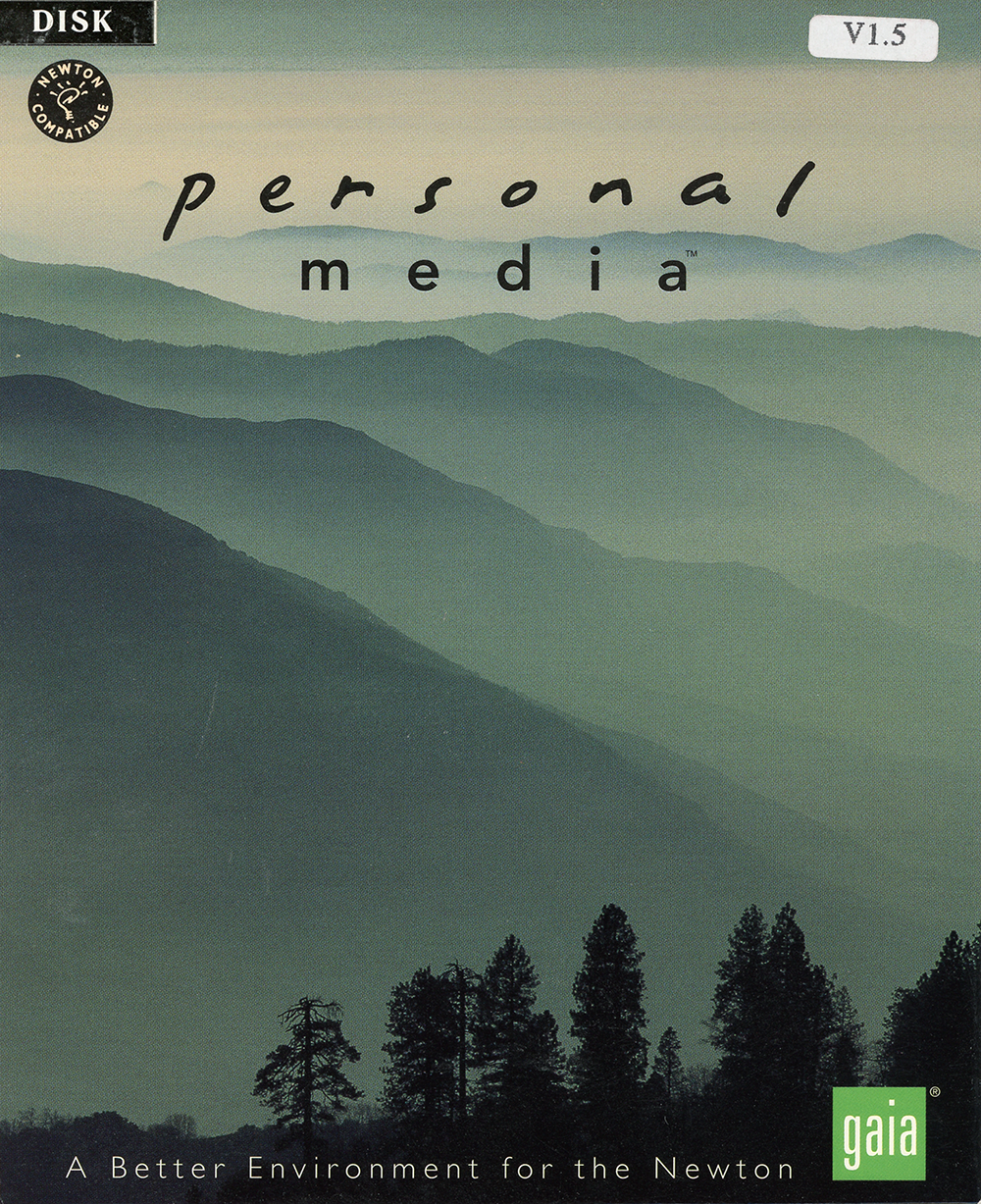
Gaia Personal Media v1.5 (Newton)
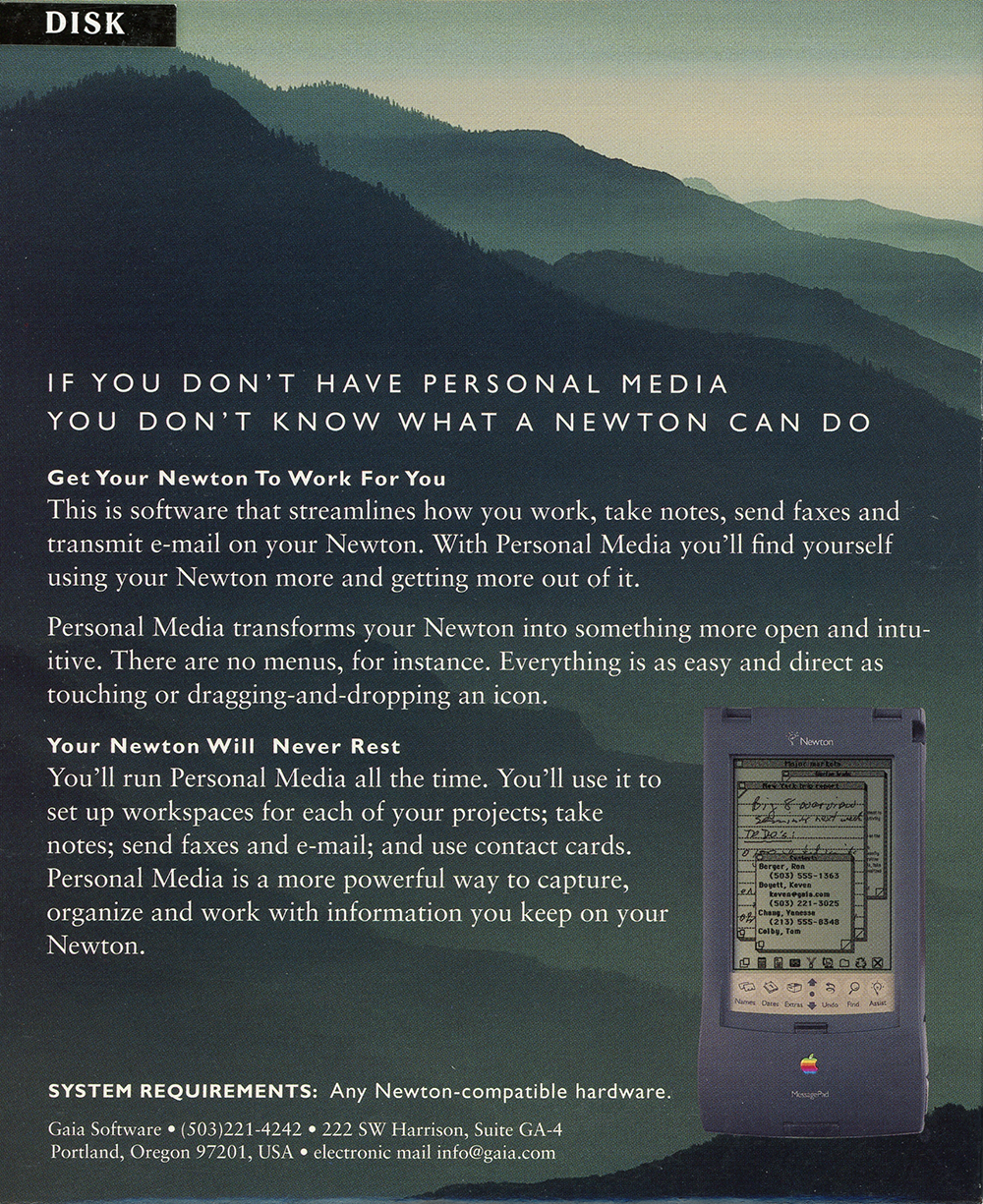
“Get Your Newton to Work For You”
This is software that streamlines how you work, take notes, send faxes, and trabsmit e-mail on your Newton. With Personal Media you’ll find yourself using your Newton more and getting more out of it.
Were you involved with this artifact? If so, we would like to include your story on this page. Let us know how you contributed.
Artifact Details
Newton Compatible
Gaia Software
United States
English
1995
Shrink-wrapped package.
1995
Acquired from developer
2018-05-30
Organizations
History
Gaia Personal Media is a productivity application for Apple's Newton handheld computer; the copy in the museum's collection is version 1.5, distributed on disk under the cover line “A Better Environment for the Newton.”1 It was published by Gaia Software of Portland, Oregon.1
Personal Media was presented as a single environment for the everyday tasks a Newton owner performed — taking notes, sending faxes, and transmitting electronic mail.1 Rather than relying on menus, the software was built around direct manipulation, with actions carried out by touching items or dragging and dropping them.1 It allowed a separate workspace to be set up for each project and worked with contact cards, presenting itself as a way to capture and organize the information a user kept on the device.1 The package listed its system requirement as any Newton-compatible hardware.1
Gaia Software was among the developers and solutions providers that publicly declared support for Apple's Newton platform on October 28, 1996, when Apple announced a new generation of Newton-based information appliances backed by third-party software.2
AI generated using primary sources referenced in the footnotes
Footnotes
- Gaia Software, Gaia Personal Media v1.5 (Newton) (image scan), 1995
- Apple Computer, Developers and Solutions Providers Declare Support for Apple's New Generation of User-Centric Information Appliances, October 28, 1996
Oral History
Connections
This artifact's place in the wider network of people, organizations, and artifacts. Drag to pan, scroll to zoom, and tap any node to focus its connections.