
New Media Offers the Ease of Auto-Install
From the Original Pages
Click a page to enlarge · Alt-click to open the full issue
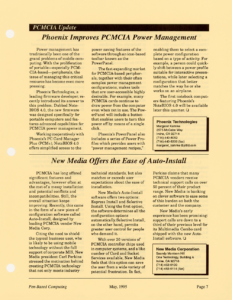
PCMCIA has long offered significant features and advantages, however often at the cost of a messy installation and potential conflicts and incompatibilities. Still, the overall situation keeps improving. Recently, this came in the form of a new piece of configuration software called Auto-Install, designed by leading PCMCIA vendor New Media Corp.
Citing the need to shield the typical business user, who is likely to be using mobile technology without the full support of corporate MIS, New Media president Carl Perkins stressed the motivation behind creating PCMCIA technology that not only meets industry technical standards, but also matches or exceeds user expectations about the ease of installation.
New Media’s Auto-Install software offers two options: Express Install and Selective Install. Using the first option, the software determines all the configuration options automatically. Selective Install, on the other hand, permits greater user control for people who demand it.
With over 20 versions of PCMCIA controller chips used in computer systems, and a like number of Card and Socket Services available, New Media feels that this option can save the user from a wide variety of potential frustration. In fact, Perkins claims that many PCMCIA vendors receive technical support calls on over 50 percent of their product range. New Media is banking on clever software to ease some of this burden on both the customer and the company.
New Media’s early experience has been promising: support calls are down to a third of their previous level for its Multimedia Combo card shipped with the new Auto-Install software.
New Media Corporation
Saundy Morrison Hill
One Technology, Building A
Irvine, CA 92718
(714) 453-0100
(714) 453-0114 (fax)
Transcribed from Pen-Based Computing, Volume 5, Number 5 — May 1995. Page 7.