GO Corporation PenPointers June/July 1992 (Newsletter)
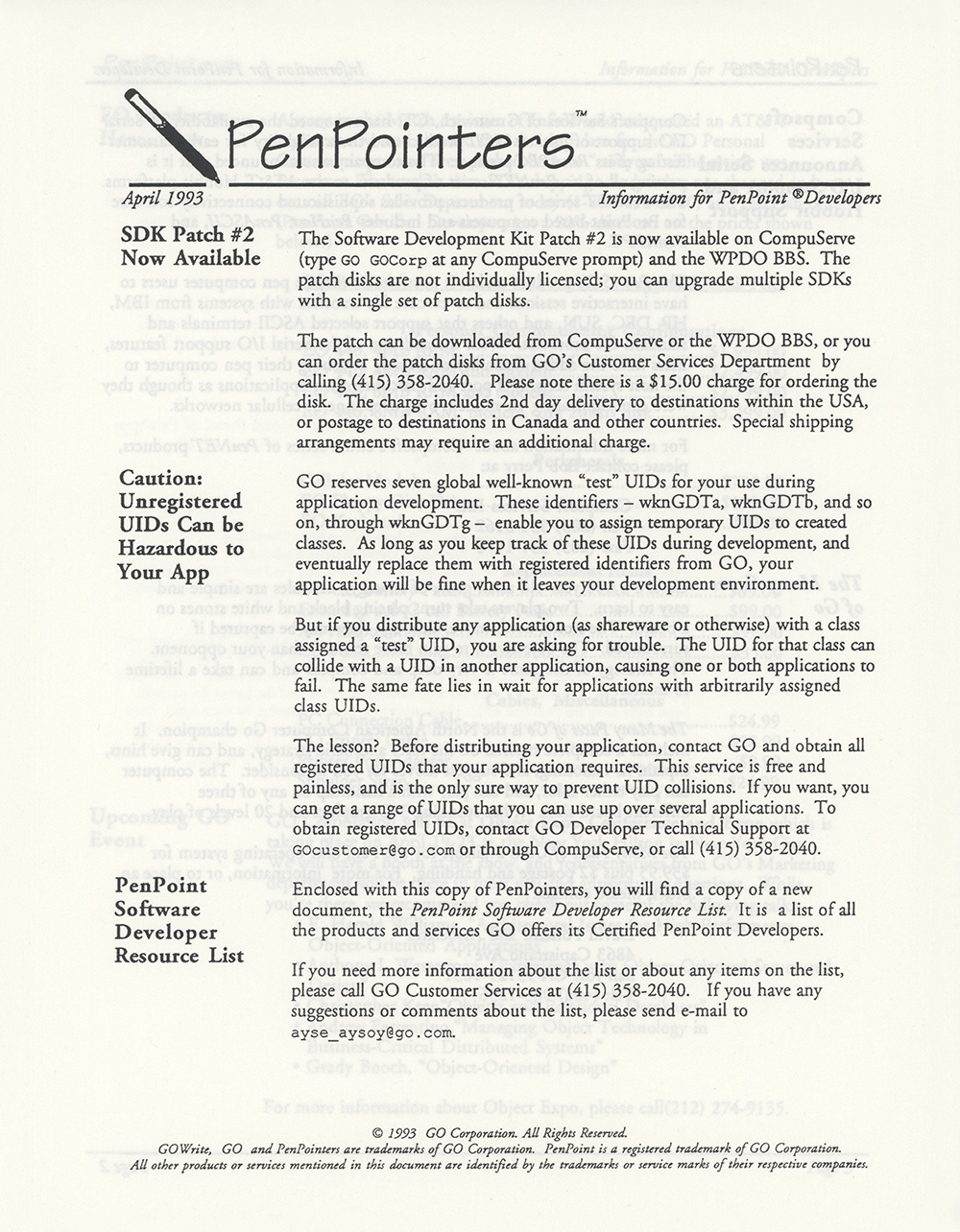
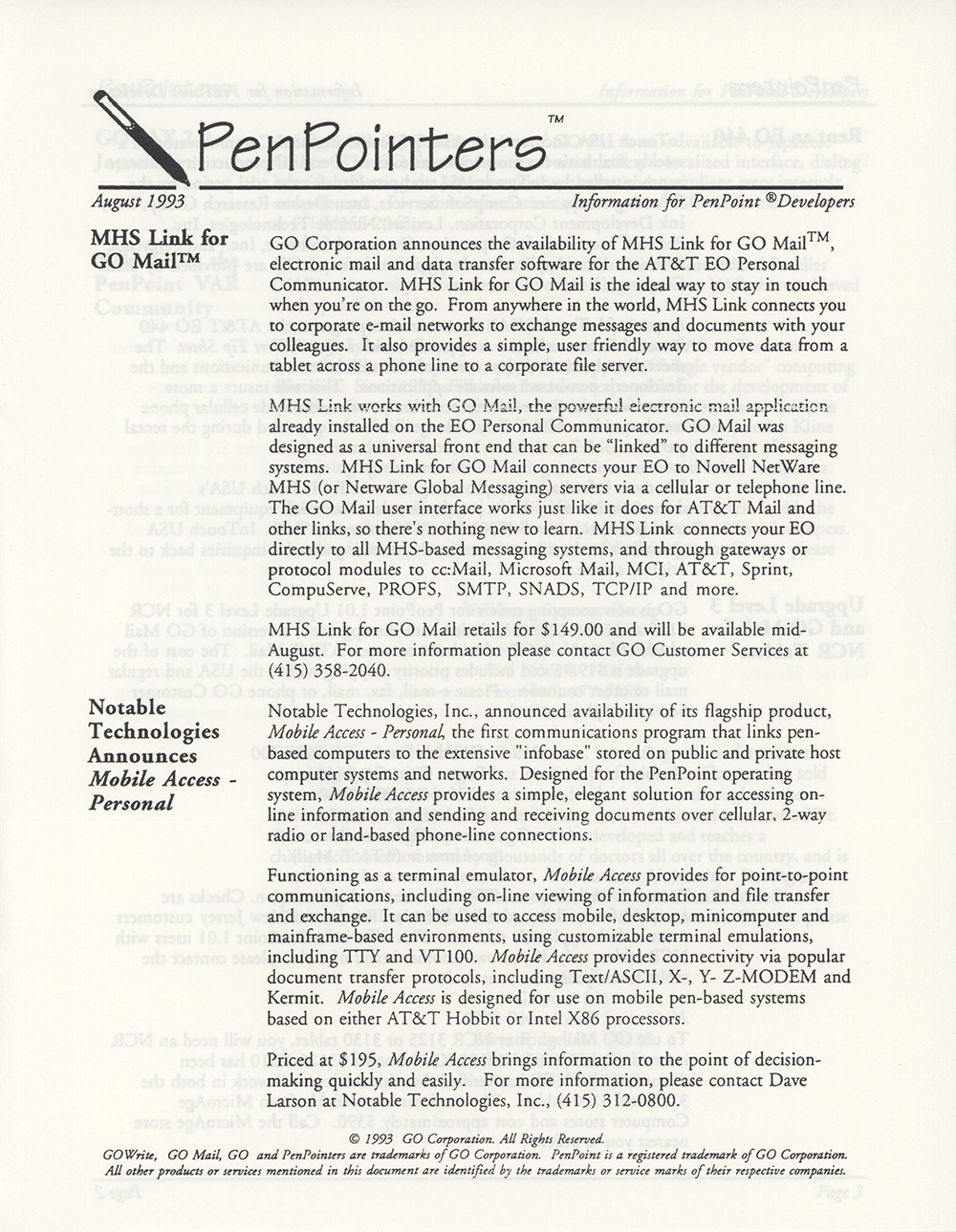
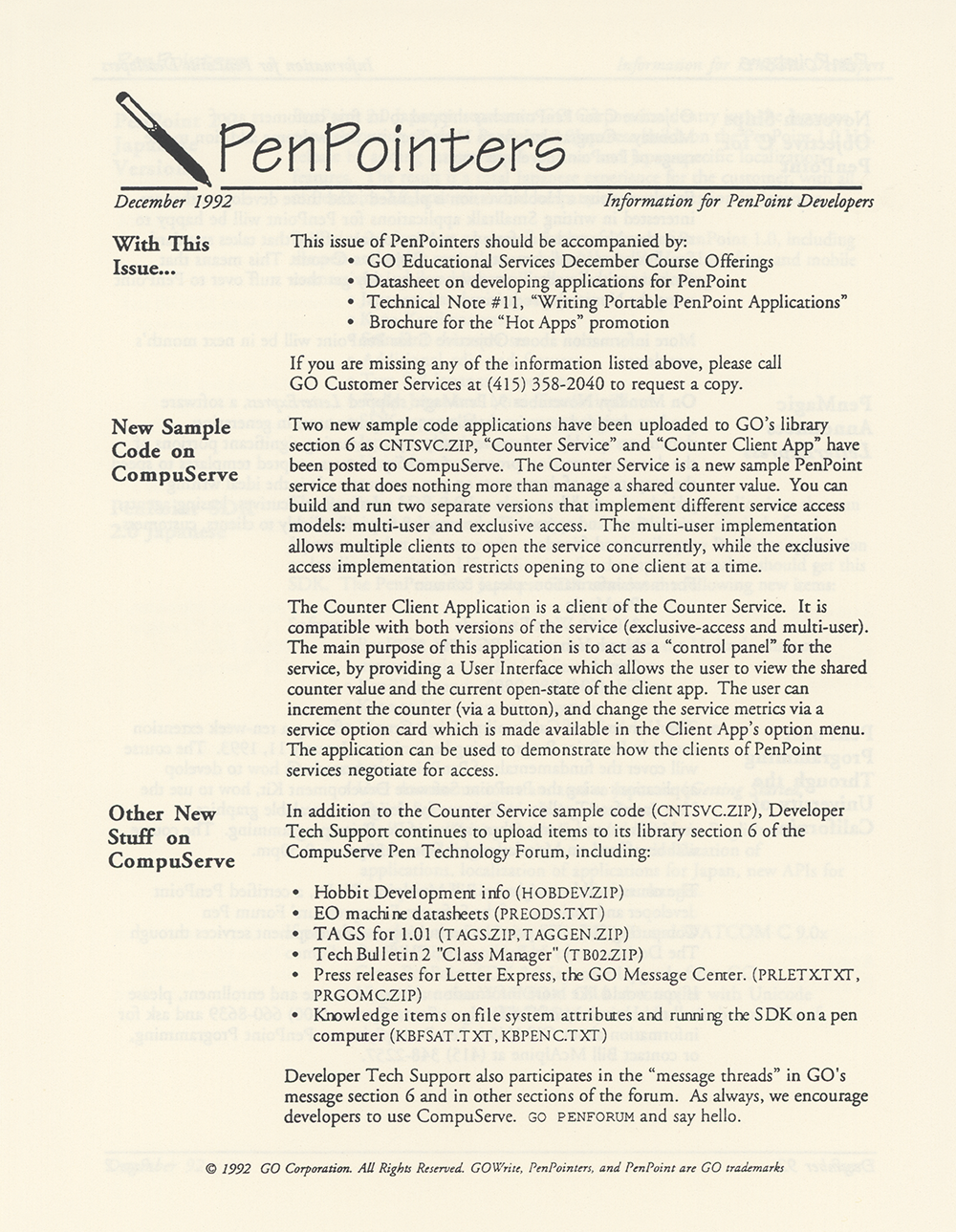
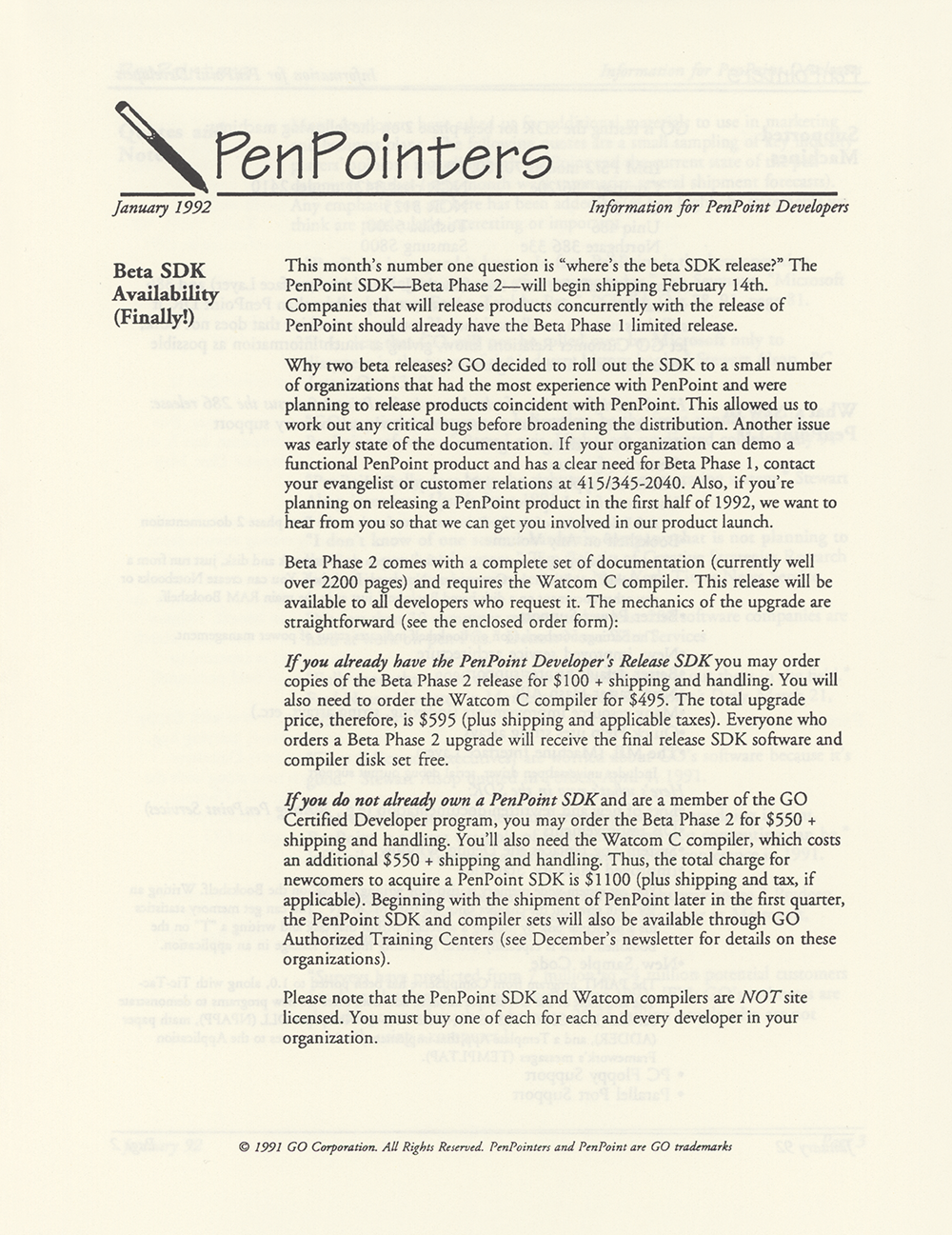
PenPointers was the official software developers newsletter published by GO Corporation. Issues contained corporate updates, descriptions of new operating system features, hardware compatibility notes, and tips and techniques, among other information.
Were you involved with this artifact? If so, we would like to include your story on this page. Let us know how you contributed.
Artifact Details
GO Corporation
United States
English
June 1992
Four page, black & white, saddle-stitched, paper.
8.5" x 11" (4 pages)
PenPointers June/July 1992
1992
Direct from publisher
2018-07-10
Organizations

History
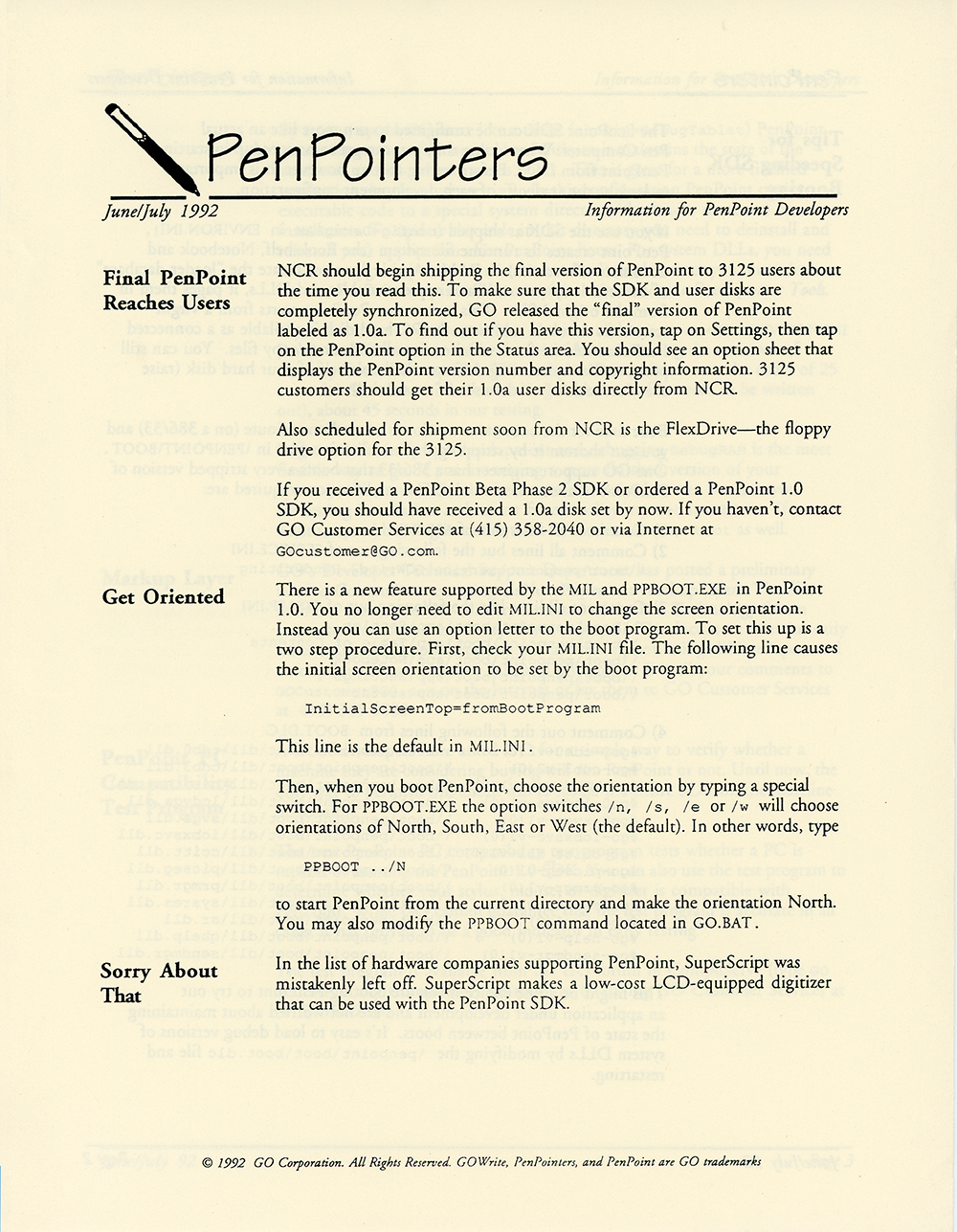
PenPointers was GO Corporation's official newsletter for PenPoint software developers, and the June/July 1992 issue ran product news, operating-system configuration guidance, and developer-support pointers under the masthead line "Information for PenPoint Developers."1 The lead item reported that NCR was about to begin shipping the final version of PenPoint to users of its 3125 pen computer, a release GO had labeled PenPoint 1.0a to keep the SDK and user disks synchronized.1 NCR was also scheduled to ship the PenDrive, a floppy-disk drive option for the 3125, shortly afterward.1
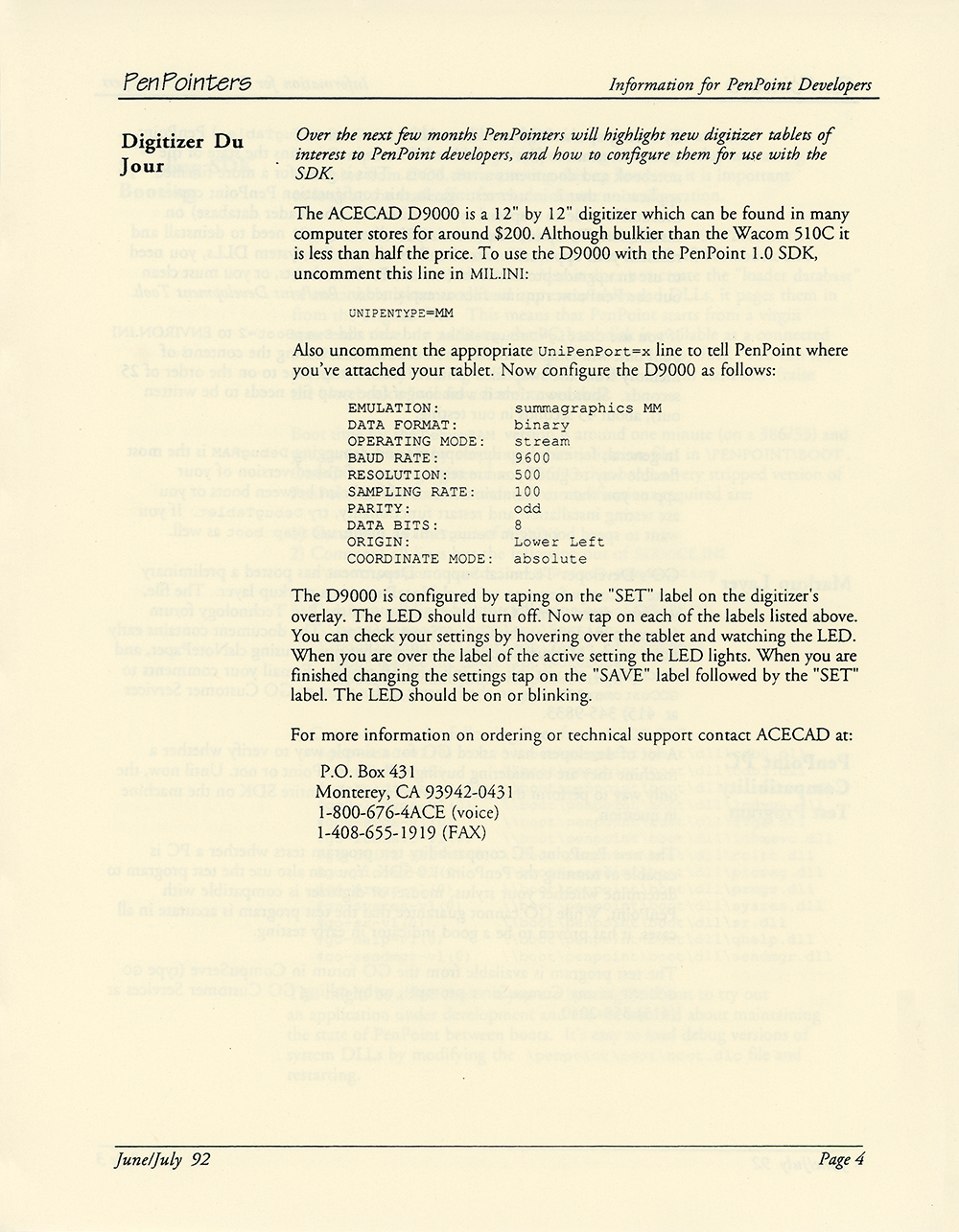
The issue corrected an earlier omission, noting that SuperScript — a maker of a low-cost, LCD-equipped digitizer compatible with the PenPoint SDK — had been left off GO's published list of hardware companies supporting PenPoint.1 A recurring column introduced here, "Digitizer Du Jour," profiled digitizer tablets of interest to PenPoint developers; its first installment covered the ACECAD D9000, a 12-by-12-inch tablet selling for roughly $200 — less than half the price of the Wacom 510C — along with the MIL.INI settings needed to run it with the PenPoint 1.0 SDK.1
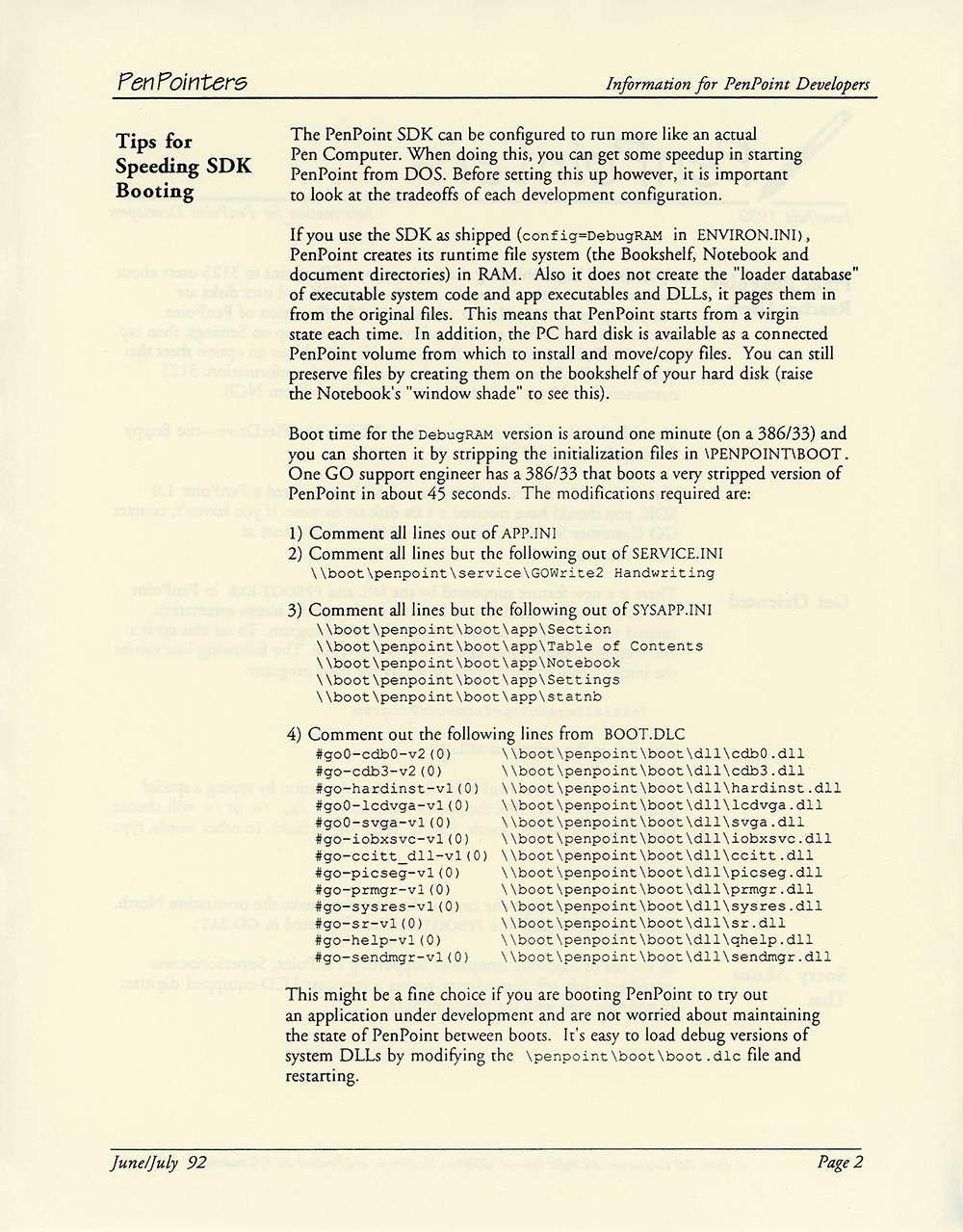
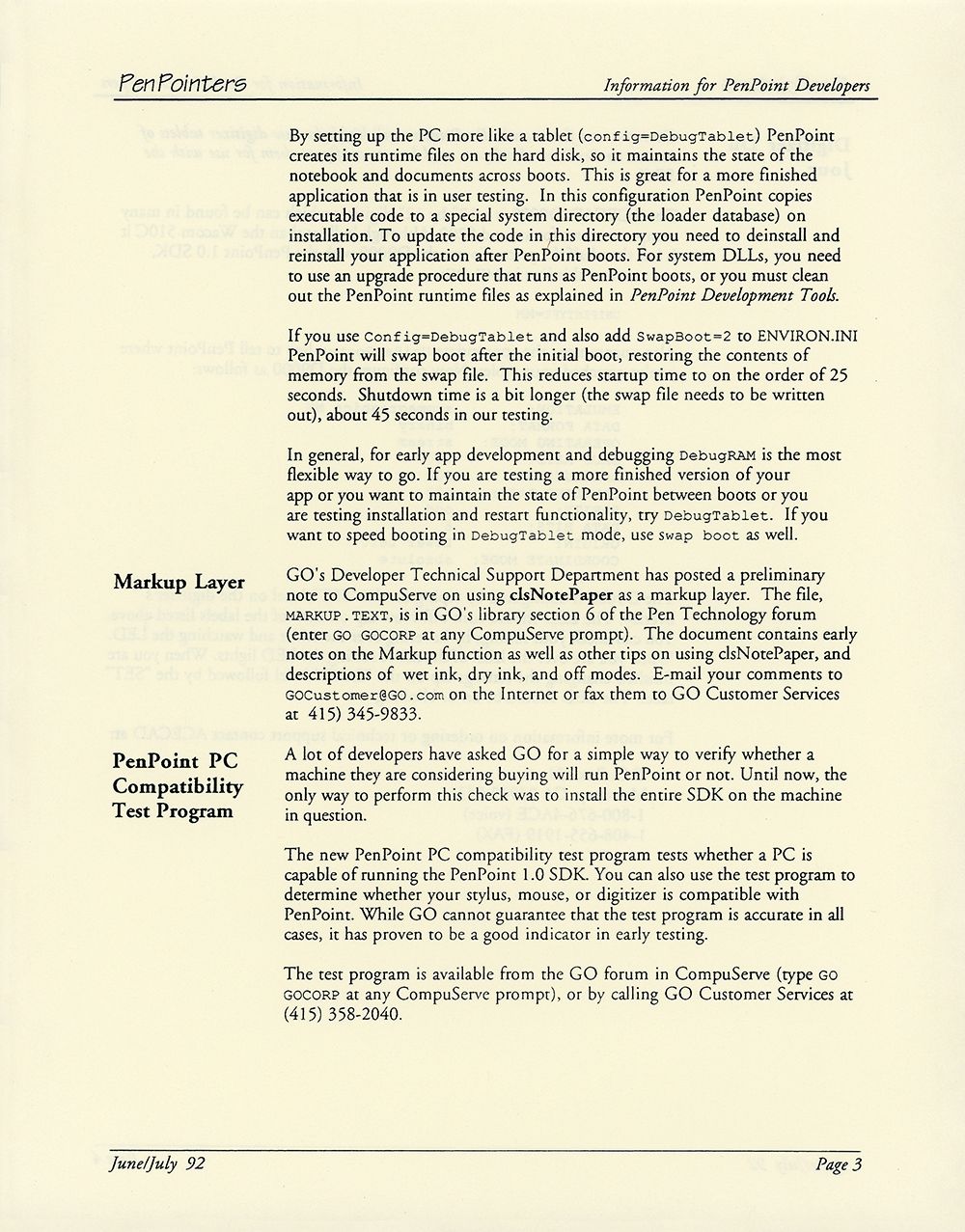
Much of the issue addressed the mechanics of developing on PenPoint. A "Tips for Speeding SDK Booting" article walked developers through configuring the PenPoint SDK to behave more like a finished pen computer and to start more quickly from DOS.1 GO's Developer Technical Support department announced a new PenPoint PC Compatibility Test Program that let developers check whether a given PC — and its stylus, mouse, or digitizer — could run the PenPoint 1.0 SDK without installing the full kit, distributing it through GO's CompuServe forum and GO Customer Services.1 The same department posted a preliminary note on using oldPenPaper as a markup layer to GO's Pen Technology forum on CompuServe.1
AI generated using primary sources referenced in the footnotes
Footnotes
- GO Corporation, GO Corporation PenPointers June/July 1992 (Newsletter) (image scan), June/July 1992
Oral History
Media
GO Corporation – Introducing PenPoint (1991)
GO Corporation used this video to promote the developer release of the PenPoint OS in 1991. PenPoint was one of the first operating systems designed specifically to run on mobile devices. Featuring: Dr. Norm Vincent (State Farm), Terry Conner (EDS), Phillipe Kahn (Borland), Jack Blount (Novell), David Reed (Lotus), Alan Lefkof (Grid), Vern Raburn (Slate), Dan Bricklin (Slate), and Jim Cannavino (IBM).
PenPoint Demonstration 1991
GO Corporation’s 1991 promotional video about their pen-based operating system, aimed at software developers. Includes an extensive demo by Robert Carr, architect of the operating system, where he shows the notebook metaphor, their use of gestures, the embedded document architecture, and more.
Connections
This artifact's place in the wider network of people, organizations, and artifacts. Drag to pan, scroll to zoom, and tap any node to focus its connections.