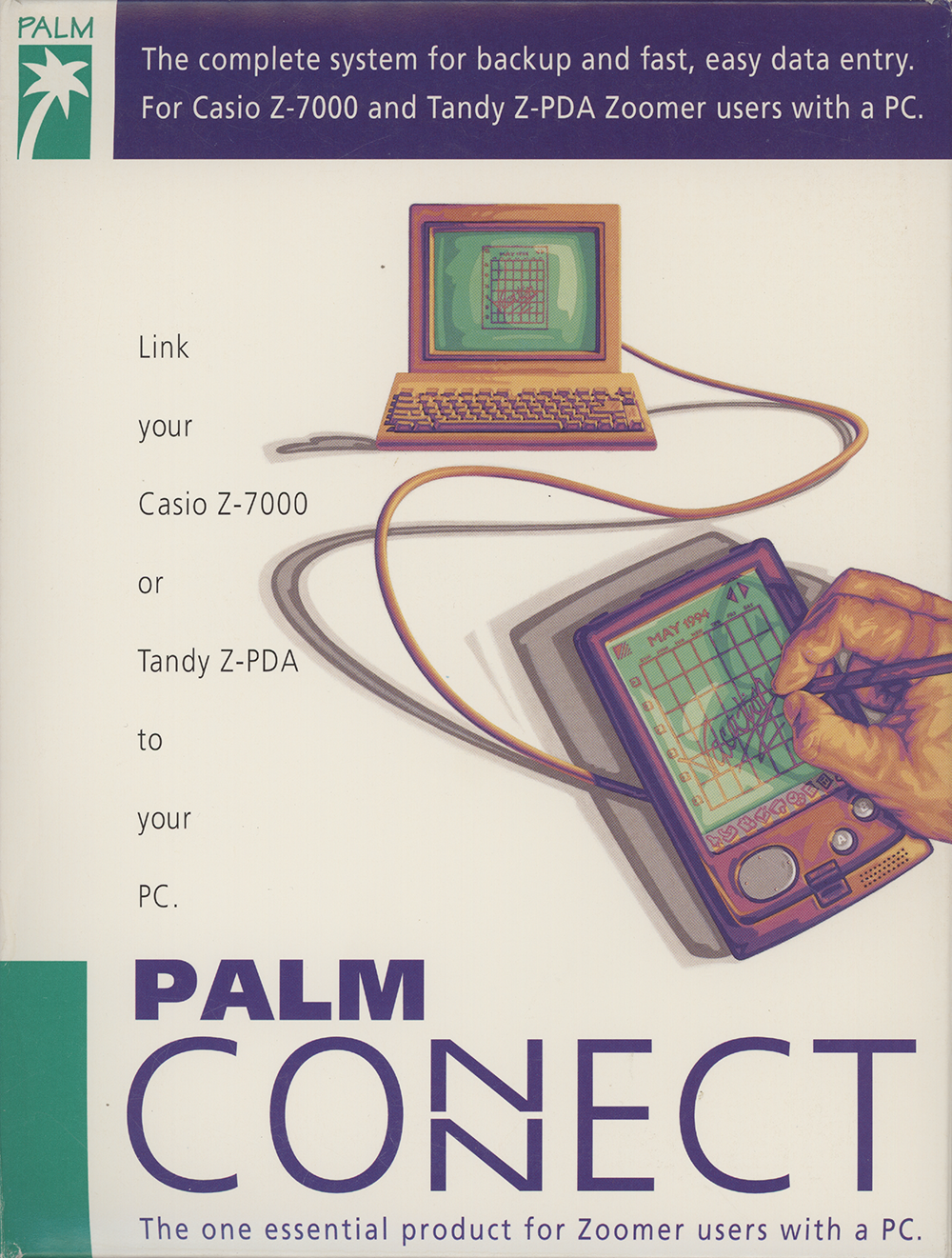



Palm Connect for HP Palmtop PCs (Windows Version)
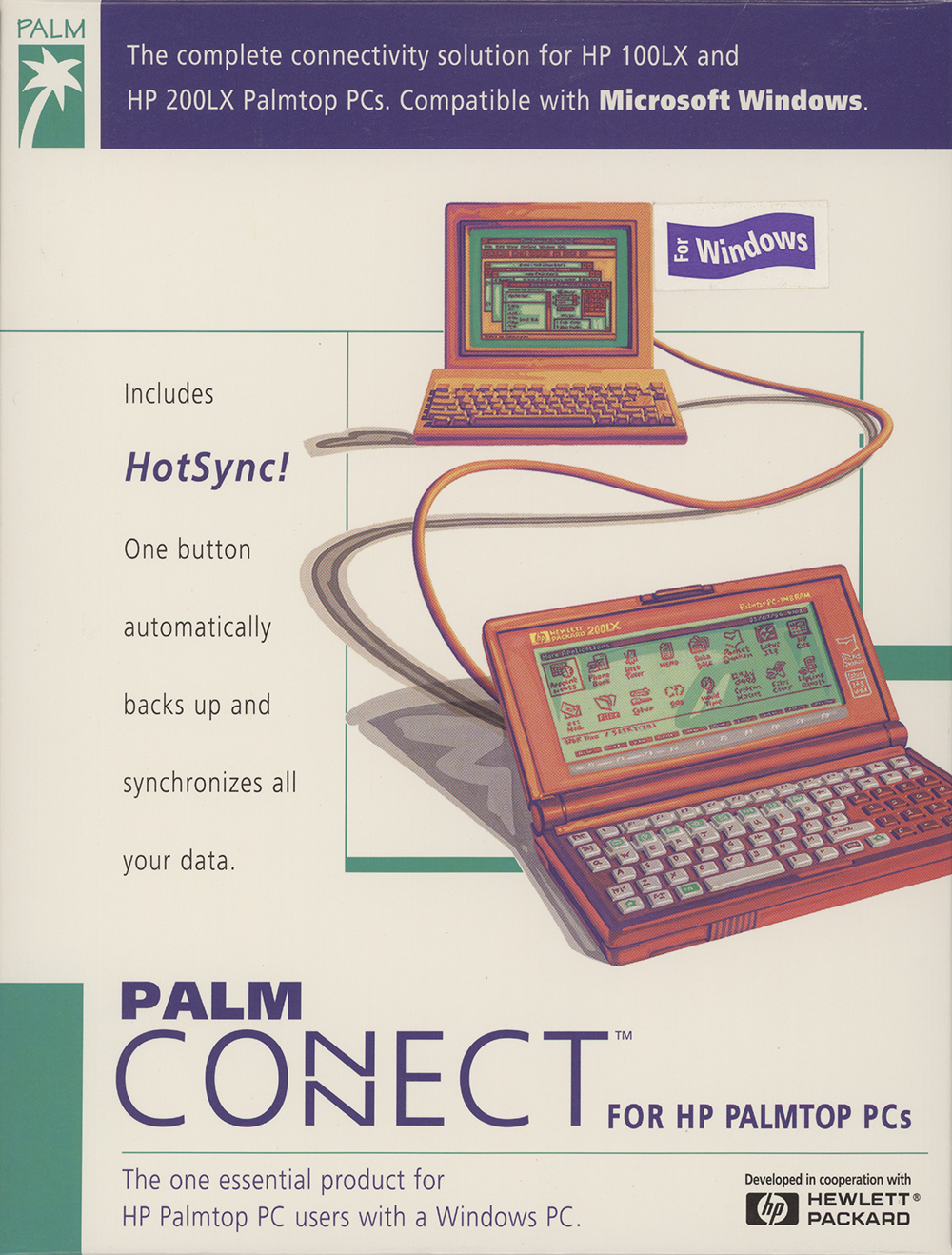
This hardware and software package enabled people to link HP 100LX and HP 200LX Palmtop PCs to a computer running Microsoft Windows.
Were you involved with this artifact? If so, we would like to include your story on this page. Let us know how you contributed.
Artifact Details
Palm Connect for HP Palmtop PCs
Palm Computing, Inc.
English
1995
Open box with minor deformations and wear.
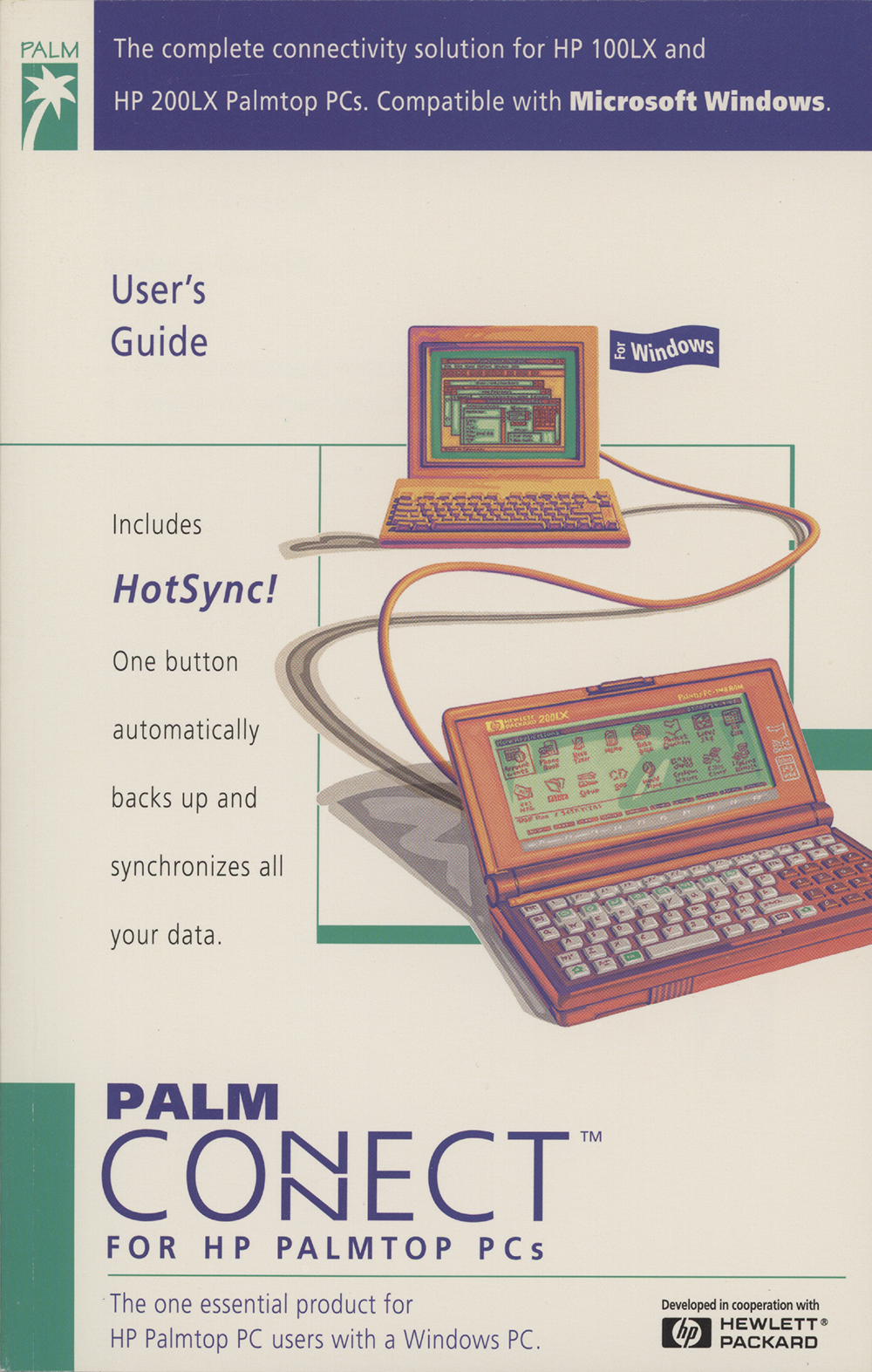
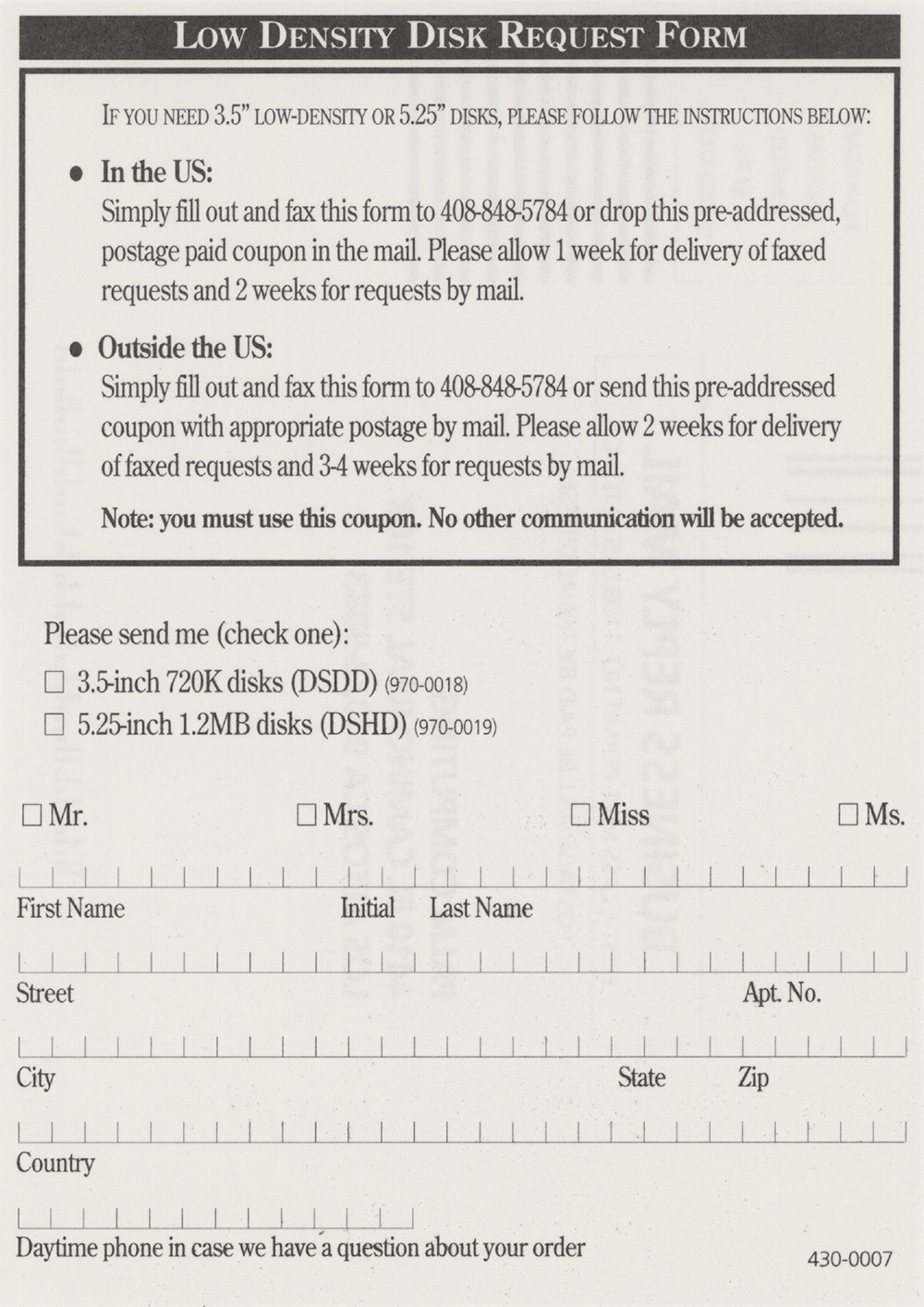
PalmConnect User's Guide and associated printed matter. Note: 3.5" HD diskettes, HP Palmtop to PC serial cable, and 9 pin to 25 pin serial adapter missing.
Approx. 7" x 9" x 1.5"
P4000
d885a4fc72cd4810
1995
2020-07-08
Organizations

History
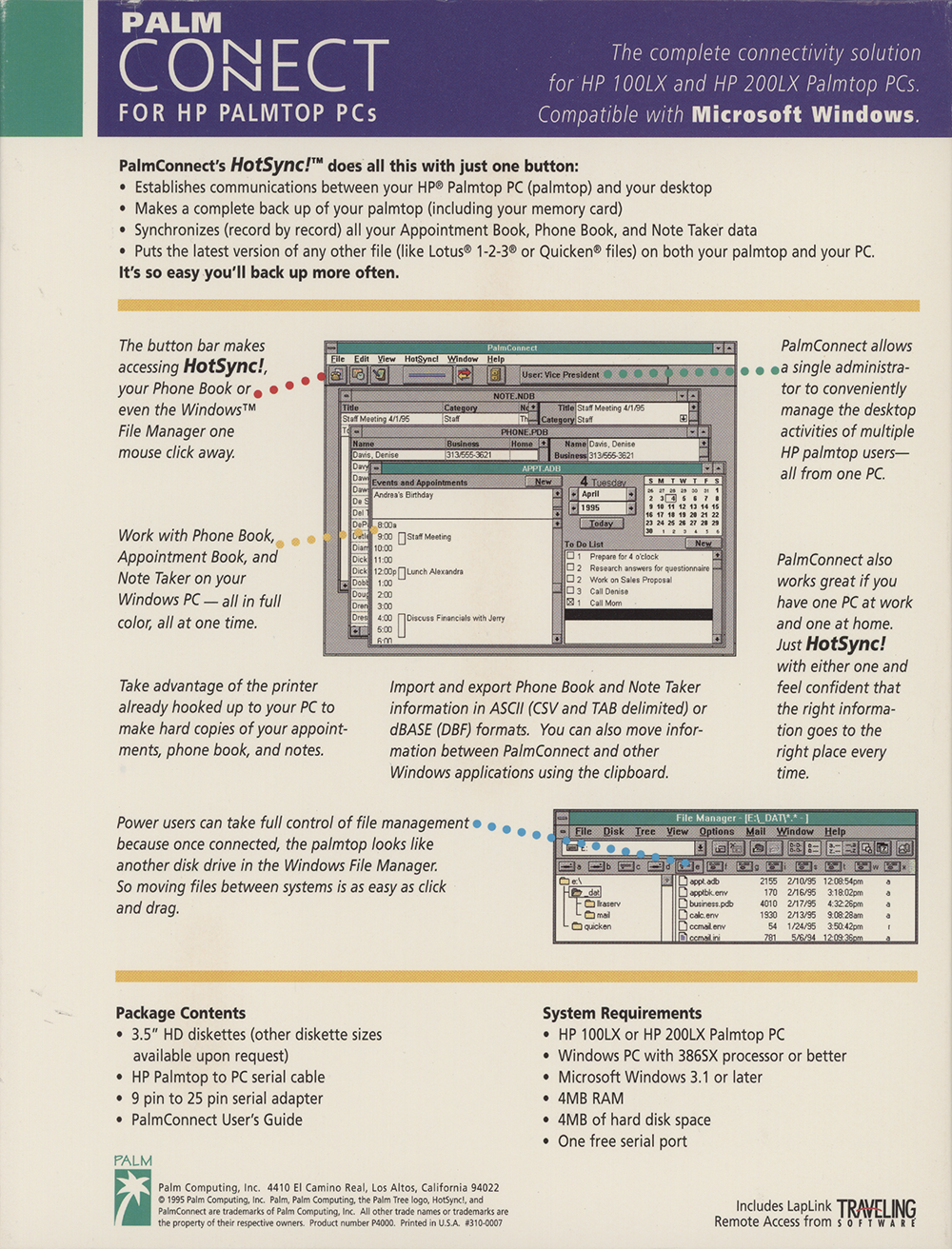
Palm Computing announced PalmConnect on March 13, 1995, a Windows connectivity solution for Hewlett-Packard's 100LX and 200LX palmtop PCs that the company had developed in cooperation with HP.1 Its central feature was HotSync!, a one-button function that automatically backed up and synchronized the palmtop with a Windows desktop PC, comparing the files and records on both devices and updating each with the user's latest data.1 Donna Dubinsky, president and CEO of Palm Computing, called it "an essential product for HP palmtop PC owners with Windows PCs," and Kheng-Joo Khaw, general manager of HP's Asia Pacific Personal Computing Division, described HotSync! as making PalmConnect "the best connectivity solution for any handheld computer."1
Beyond synchronization, PalmConnect let users enter appointments, notes, and address information on a full-size PC keyboard for transfer to the palmtop, cut and paste between Windows programs, and print appointments, Phone Book entries, and notes on the desktop PC's printer.1 It could import and export Phone Book data and Notes in Comma Separated Values, Tab Delimited, and dBASE III and IV formats, and it bundled LapLink Remote Access from Traveling Software, which made the palmtop appear as a disk drive in the Windows File Manager so files could be dragged between the two machines.1 A single PC running PalmConnect could also support several palmtop users, allowing one person to handle scheduling and updates for others.1
PalmConnect carried a suggested retail price of $129 and was scheduled for April 1995 availability; a software-only version for owners of an existing HP palmtop serial cable was priced at $99, and owners of HP's earlier DOS-based Connectivity Pack could upgrade for $49 through July 31, 1995.1 The product required an HP 100LX or 200LX palmtop and a 386-based or better PC running Windows 3.1 or later with 4 megabytes of RAM, 4 megabytes of free disk space, and one free serial port.1 Palm Computing, then headquartered in Los Altos, California, began shipping PalmConnect on May 16, 1995.2
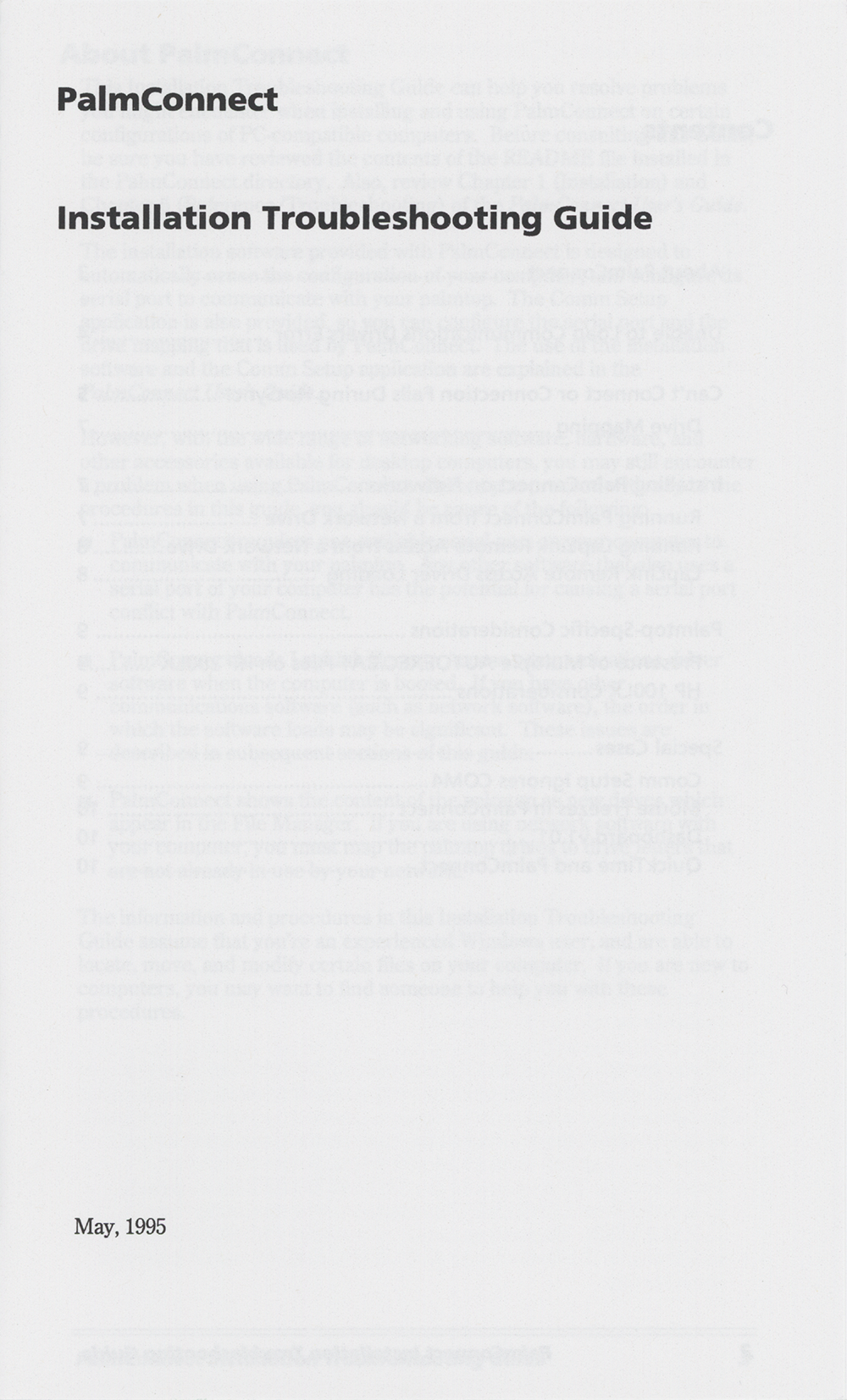
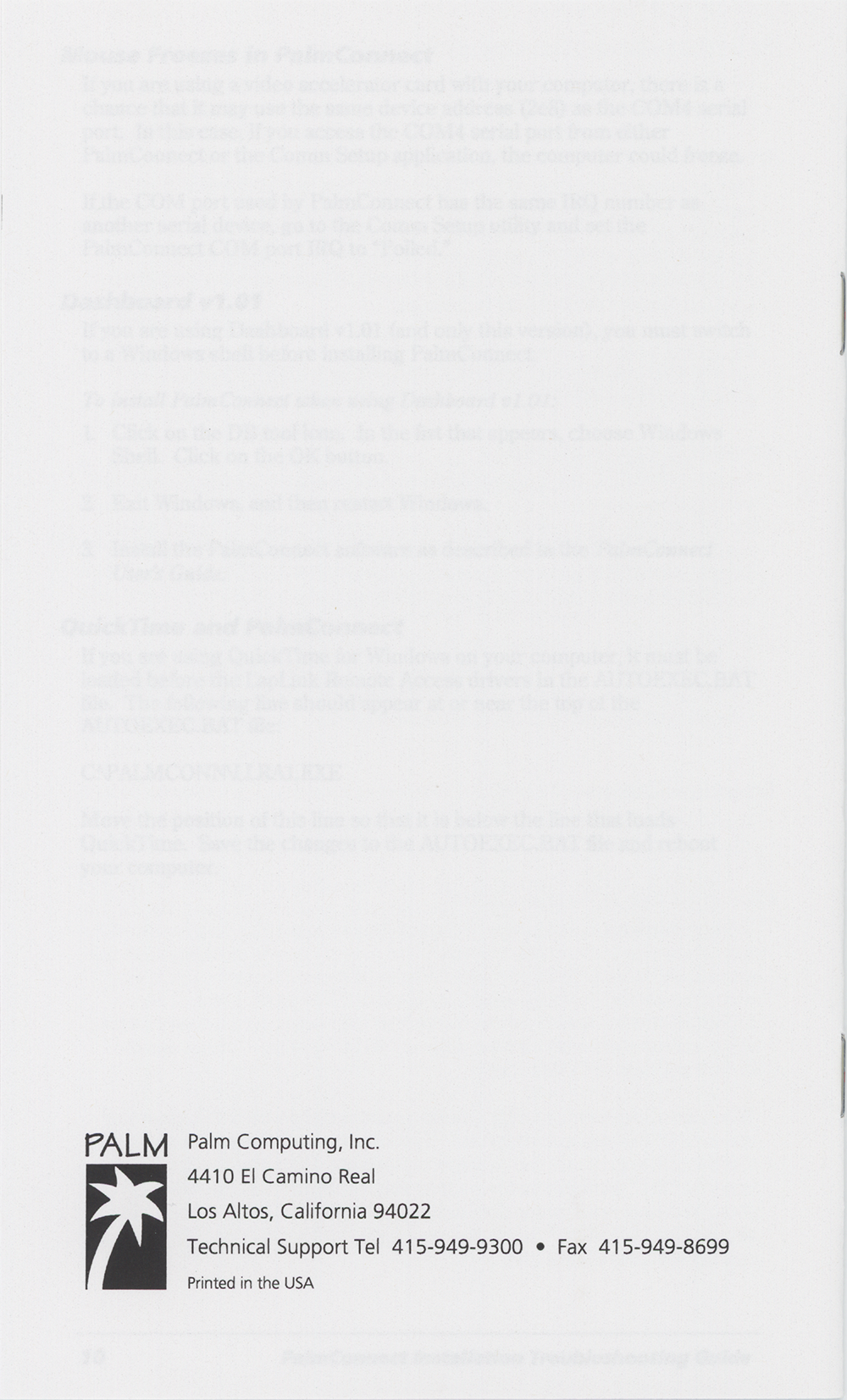
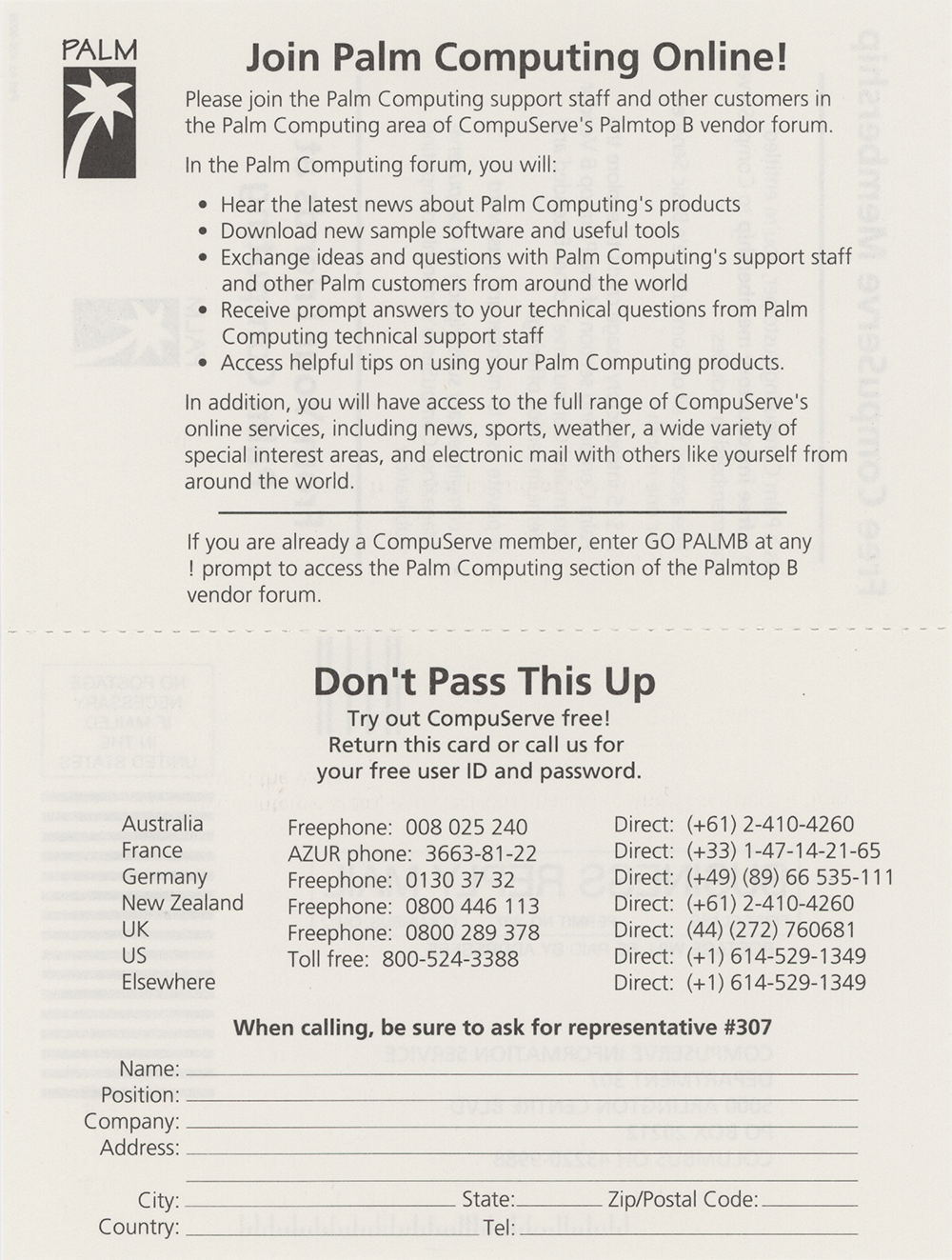
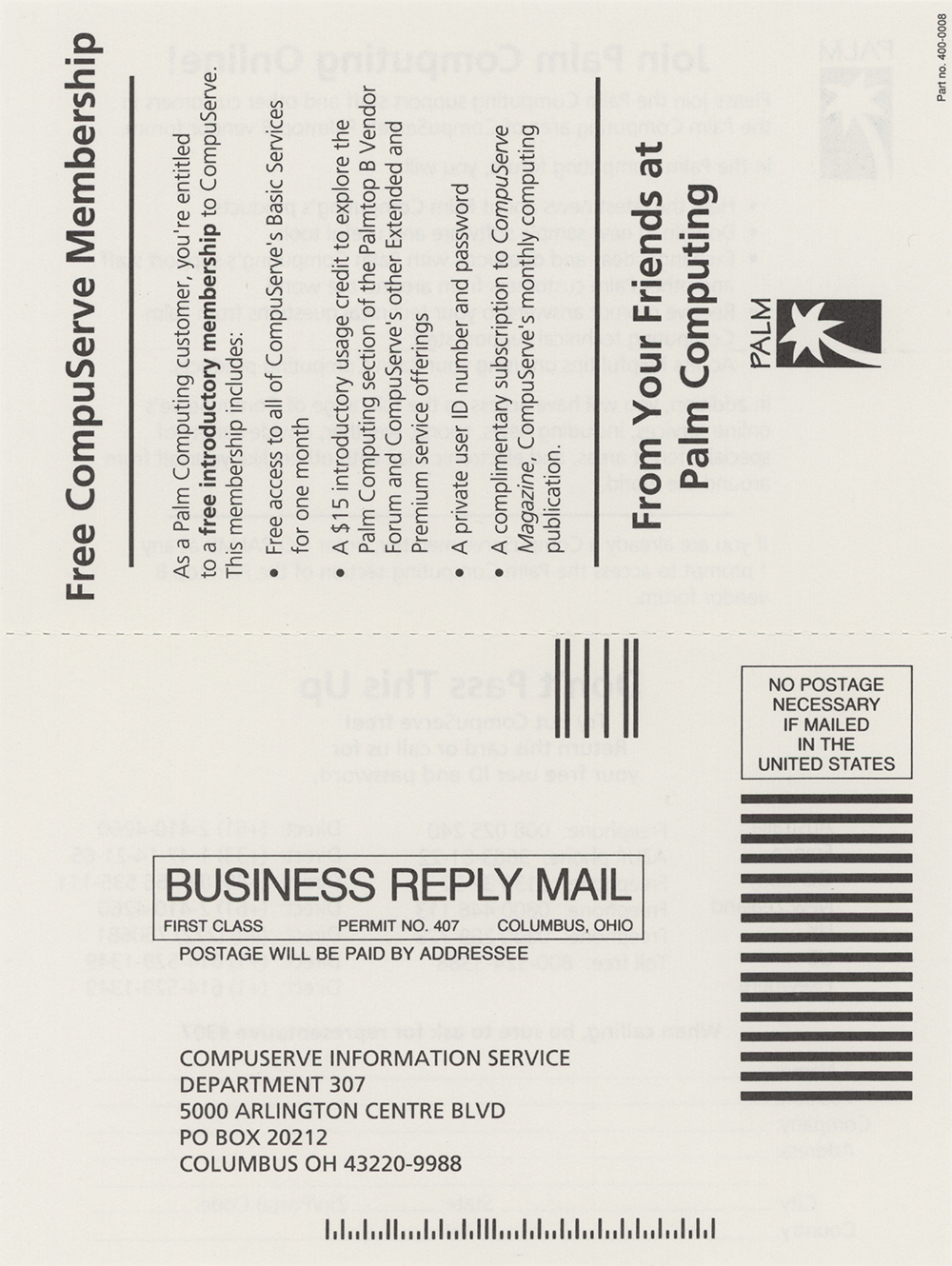
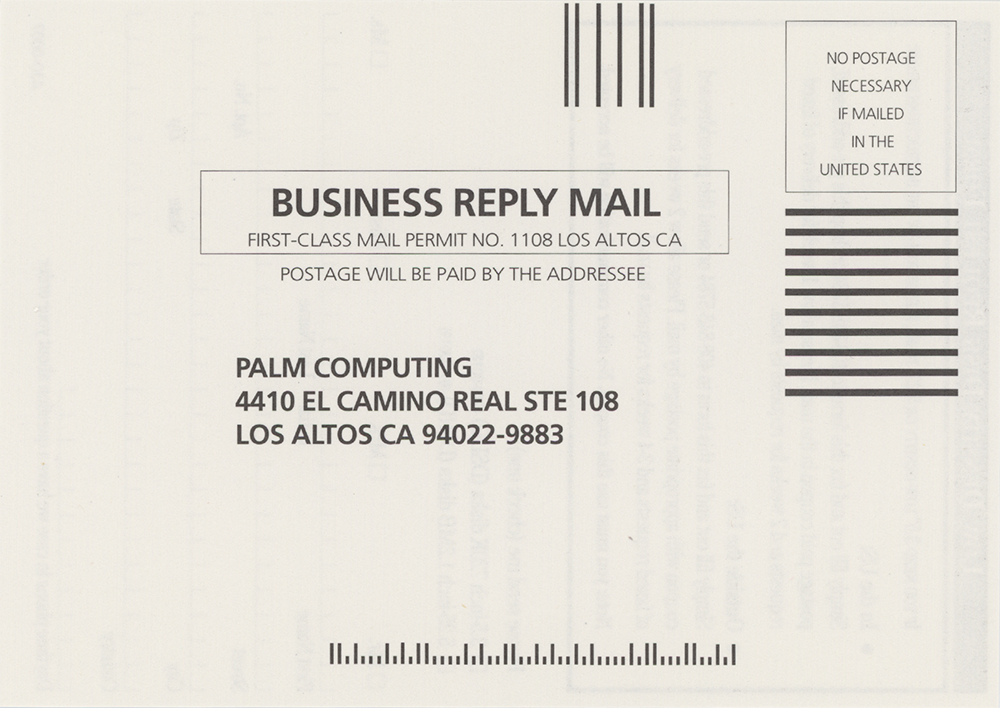
The retail package contained the Windows connectivity software on 3.5-inch diskettes, a serial cable to connect the palmtop to the desktop PC, and a printed PalmConnect User's Guide.3 The shipped product also included an Installation Troubleshooting Guide dated May 1995.4 The manuals gave Palm Computing's address as 4410 El Camino Real, Los Altos, California, and noted that they were printed in the United States.5 The package directed owners to Palm Computing's online support area on CompuServe, reached by entering GO PALM in the Palmtop B vendor forum.6
AI generated using primary sources referenced in the footnotes
Footnotes
- Palm Computing, Palm Computing Delivers Windows Connectivity Solution for HP Palmtop PCs, March 13, 1995
- Palm Computing, Palm Computing Ships Windows Connectivity for HP palmtop PCs, May 16, 1995
- Palm Computing, Inc., Palm Connect for HP Palmtop PCs (Windows Version) (image scan), 1995
- Palm Computing, Inc., Palm Connect for HP Palmtop PCs (Windows Version) (image scan), 1995
- Palm Computing, Inc., Palm Connect for HP Palmtop PCs (Windows Version) (image scan), 1995
- Palm Computing, Inc., Palm Connect for HP Palmtop PCs (Windows Version) (image scan), 1995
Oral History
Connections
This artifact's place in the wider network of people, organizations, and artifacts. Drag to pan, scroll to zoom, and tap any node to focus its connections.