aha! InkWriter for Tablets (Promotional Card)
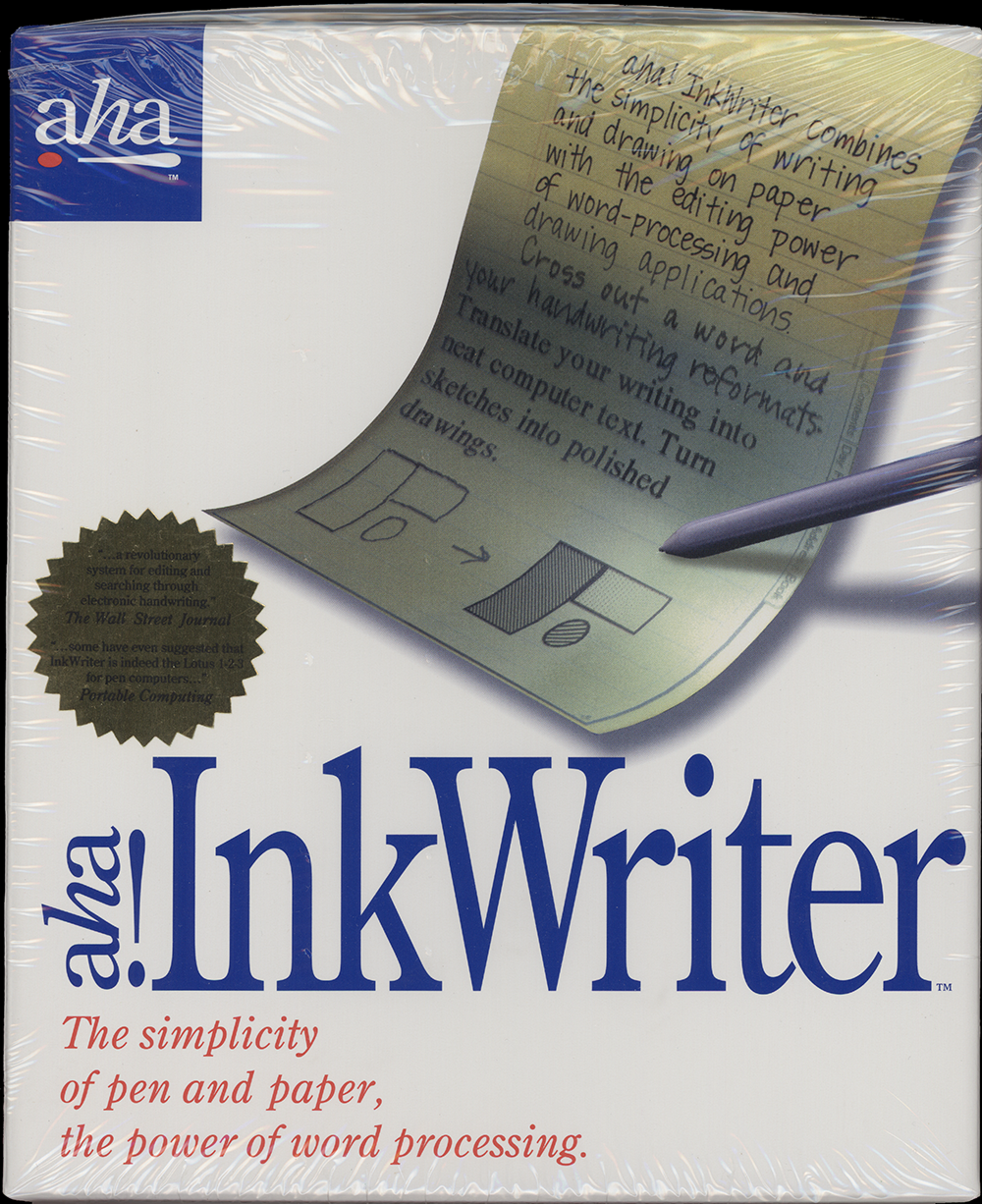
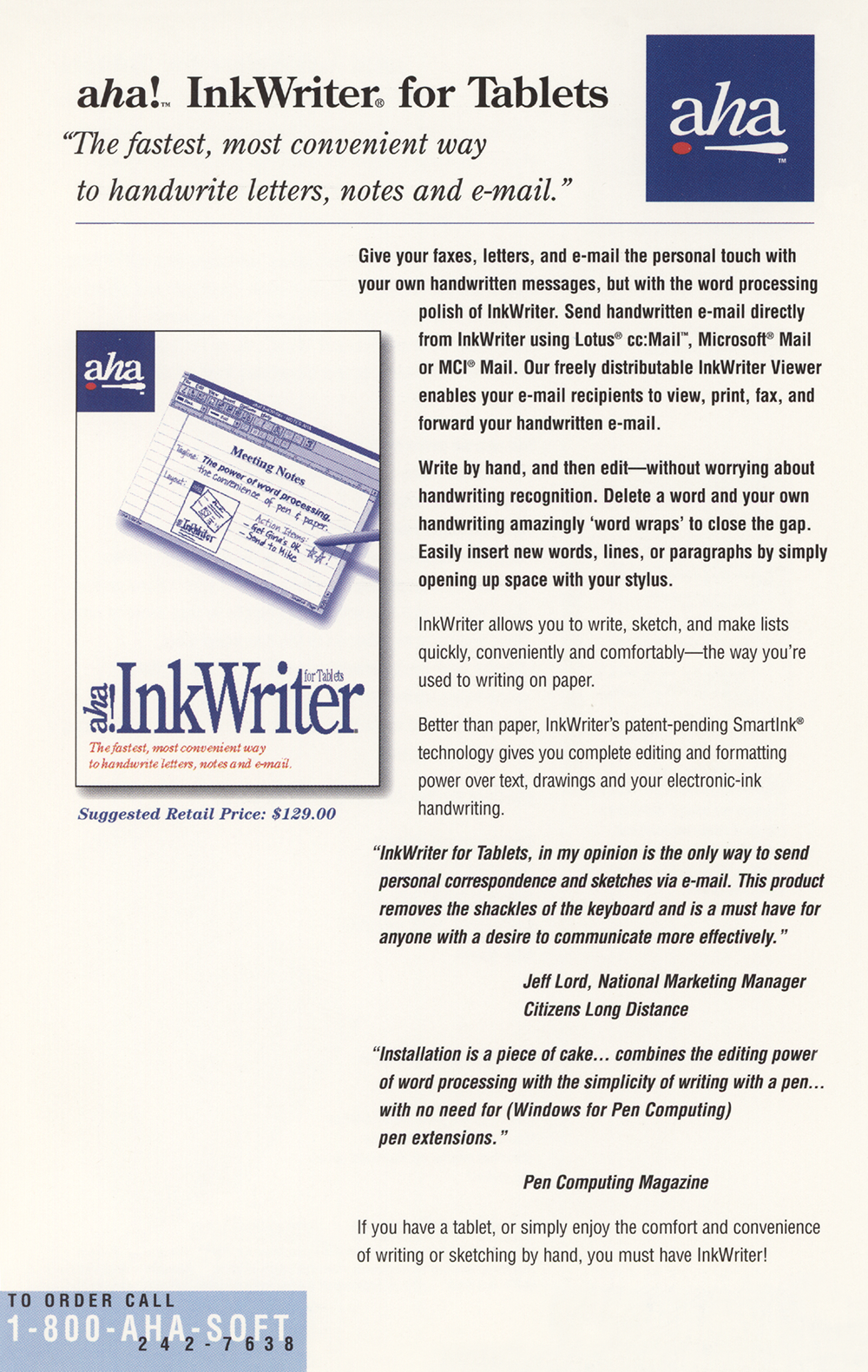
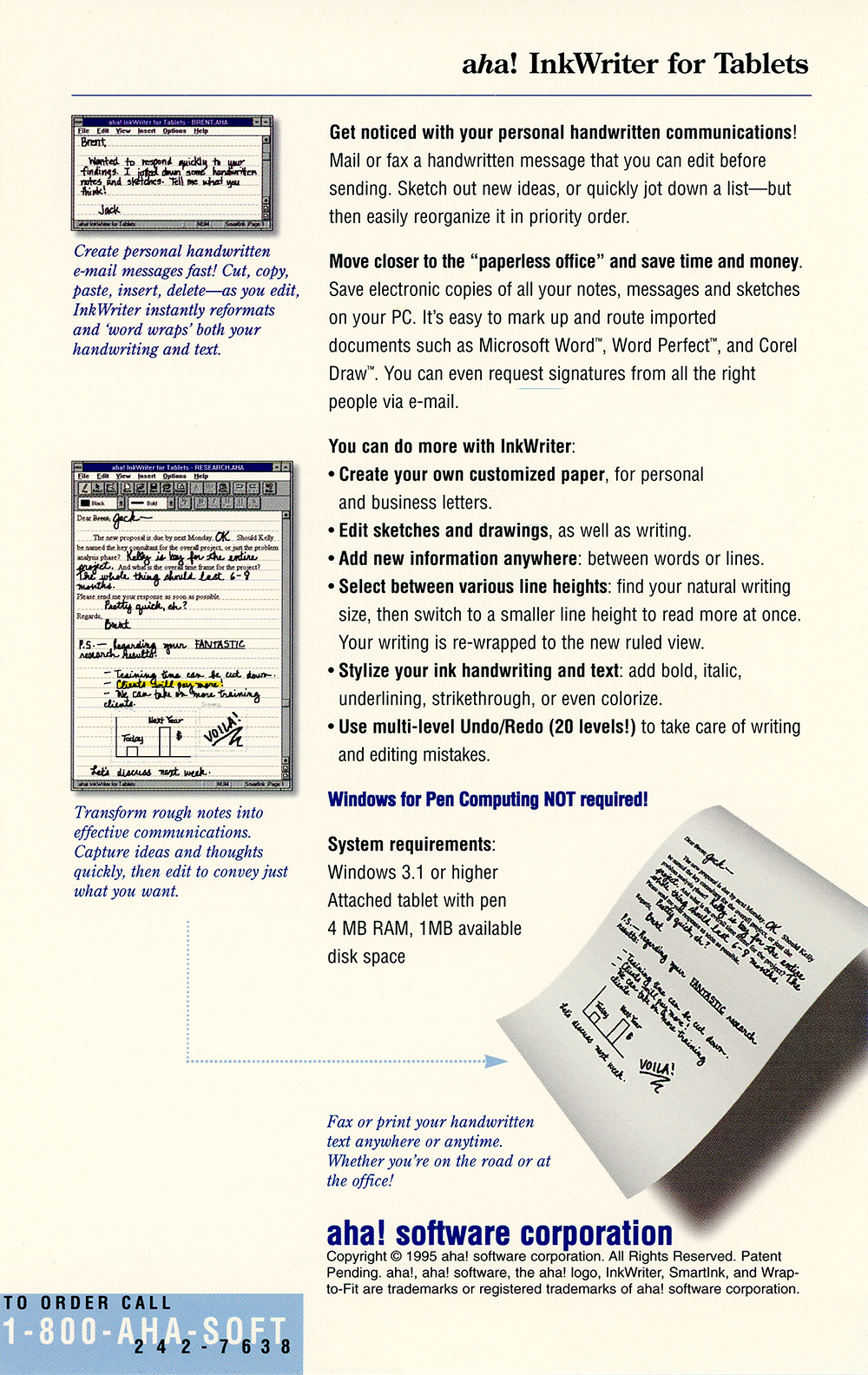
aha! InkWriter “combined the power of a word processor with the simplicity of writing with a pen,” as Pen Computing Magazine accurately reported.
Were you involved with this artifact? If so, we would like to include your story on this page. Let us know how you contributed.
Artifact Details
aha! software corporation
United States
English
1995
Two-sided printed color promotional card.
5.25" x 8.25"
abf0dd70e18ed073
1995
aha! software corporation
2018-07-21
Organizations

People

History
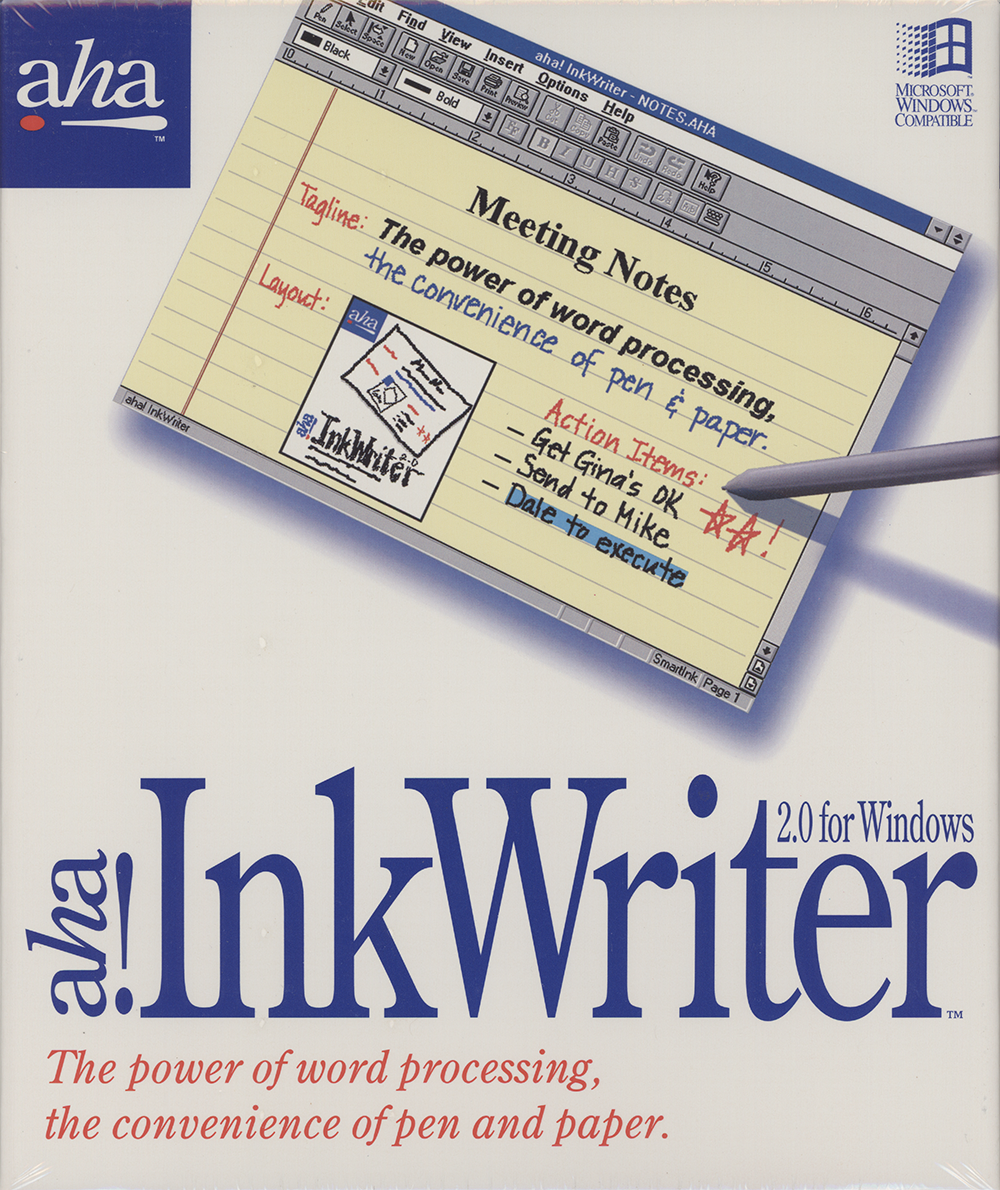
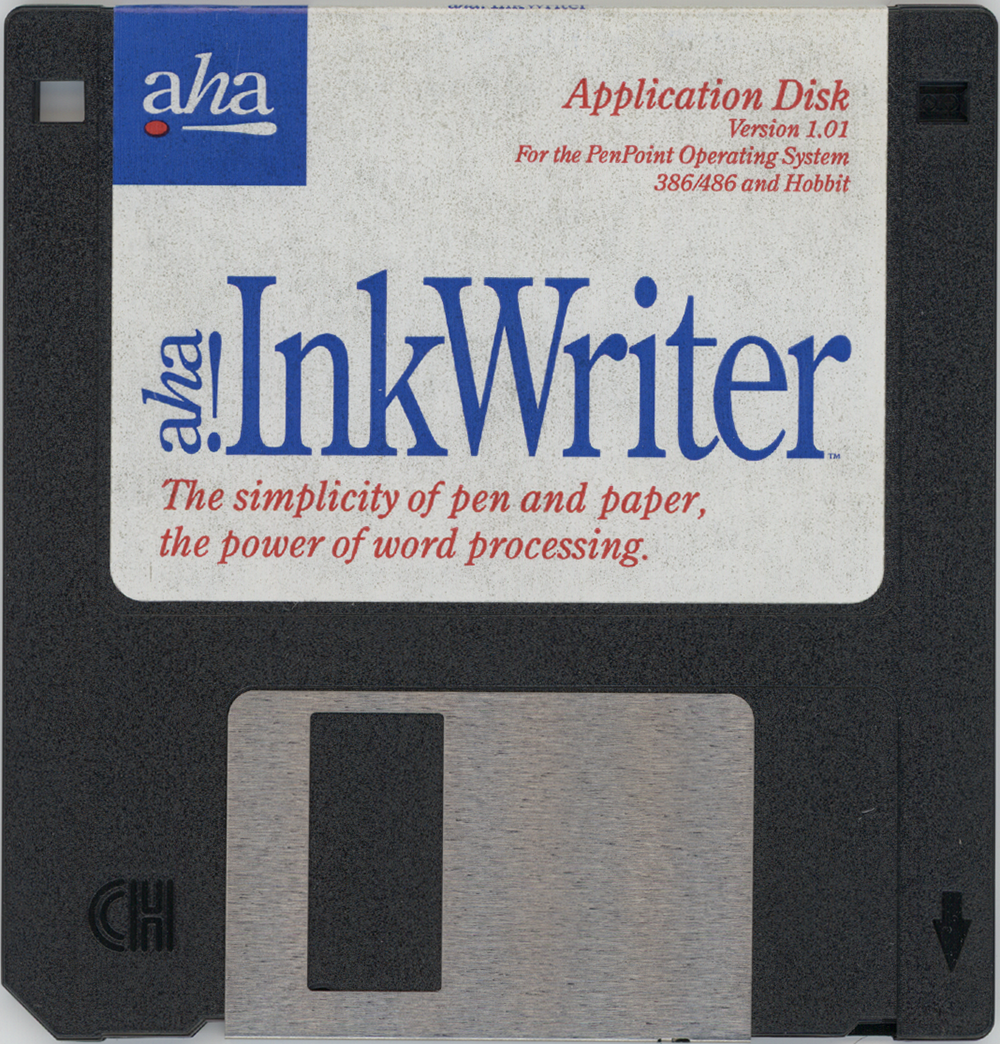
aha! InkWriter for Tablets is a single-card product flyer issued by aha! software corporation in 1995 to promote a Windows tablet edition of its electronic-ink word processor, InkWriter.1 aha! software, a privately held applications-software company founded in early 1991 and based in Mountain View, California, had announced InkWriter as its first product in June 1993, calling it the first program to let users of pen-based computers edit and search handwritten words as electronic ink without first translating them into computer text.2 That initial release ran on Go Corporation's PenPoint operating system, carried a suggested retail price of $249, and was built on aha!'s patent-pending SmartInk technology, which let people edit their own handwriting the same way a word processor edits text.2
On June 10, 1994, aha! released InkWriter for Windows, which it billed as the only word processor for handwriting, at a suggested list price of $199.3 The Windows version paired SmartInk with deferred handwriting recognition, letting users postpone correcting recognized text, and added aha!'s InkFinder technology for searching through a mixture of typed text and electronic ink.3 The InkWriter for Tablets edition promoted on this card carried a suggested retail price of $129.00 and ran on Microsoft Windows 3.1 or higher with an attached tablet and pen, 4 MB of RAM and 1 MB of disk space, requiring no separate Windows for Pen Computing installation.1 The card highlighted handwritten e-mail: users could send handwritten messages directly from InkWriter through Lotus cc:Mail, Microsoft Mail or MCI Mail, while a freely distributable InkWriter Viewer let recipients view, print, fax and forward those messages.1 It also imported documents from Microsoft Word, WordPerfect and Corel Draw and offered multi-level undo and redo of up to twenty levels.1
On October 10, 1994, Fujitsu announced it would ship a special version of InkWriter with its Stylistic 500 tablet computer, providing 30-day evaluation copies that customers could upgrade to unlimited use.4 aha! also carried InkWriter beyond Windows: in September 1994 it announced a version for Sony's Magic Link and other Magic Cap-based personal communicators, priced at $129 and fully data-compatible with the Windows version,5 and on June 1, 1995 it shipped that Magic Cap application through Sony.6
On April 8, 1996, Microsoft Corporation announced a definitive agreement to acquire aha! software corporation, pointing to the company's method of manipulating handwriting in its ink form rather than relying on handwriting recognition; financial terms were not disclosed.7
AI generated using primary sources referenced in the footnotes
Footnotes
- aha! software corporation, aha! InkWriter for Tablets (Promotional Card) (image scan), 1995
- aha! software corporation, aha! software Delivers on Promise of Electronic ink — Does for Pen What Word Processor Did for Typewriter, June 14, 1993
- aha! software corporation, aha! software Releases InkWriter for Windows, June 10, 1994
- Fujitsu Personal Systems, aha!'s Acclaimed InkWriter Notetaking Software to Ship with Fujitsu's New Advanced Mobile Computer, October 10, 1994
- aha! software corporation, aha! Releases Critically-acclaimed InkWriter Software for Sony Magic Link Personal Comunicator, September 28, 1994
- aha! software corporation, aha! software Ships its InkWriter Application for Magic Cap-based Personal Communicators, June 1, 1995
- Microsoft Corporation, Microsoft to Acquire aha! software, April 8, 1996
Oral History
Connections
This artifact's place in the wider network of people, organizations, and artifacts. Drag to pan, scroll to zoom, and tap any node to focus its connections.